What you need at the till
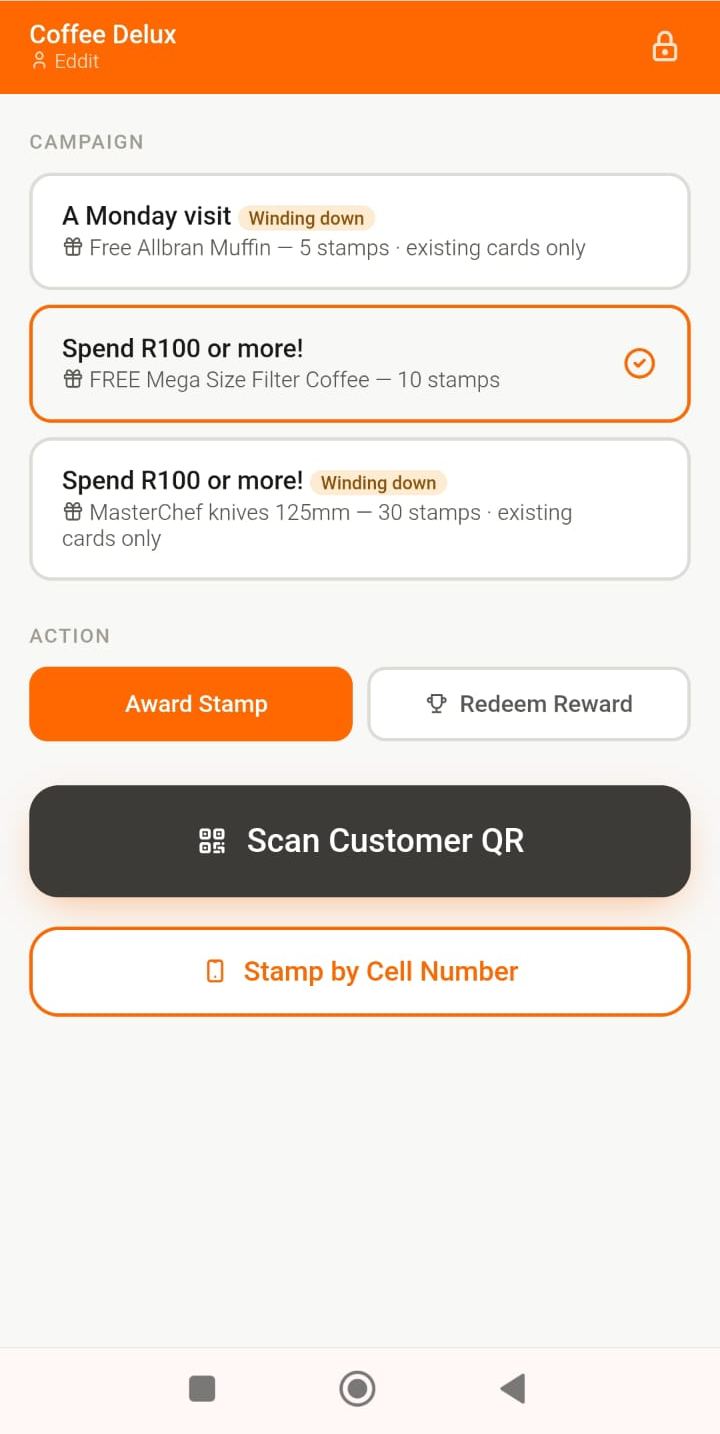
StampCard runs in a web browser — there's no app to install, no scanner to buy and no card machine to replace. Almost any smartphone or tablet at your counter will do the job. This page is the honest detail on which ones, so there are no surprises after you've signed up.
Two ways to add a stamp
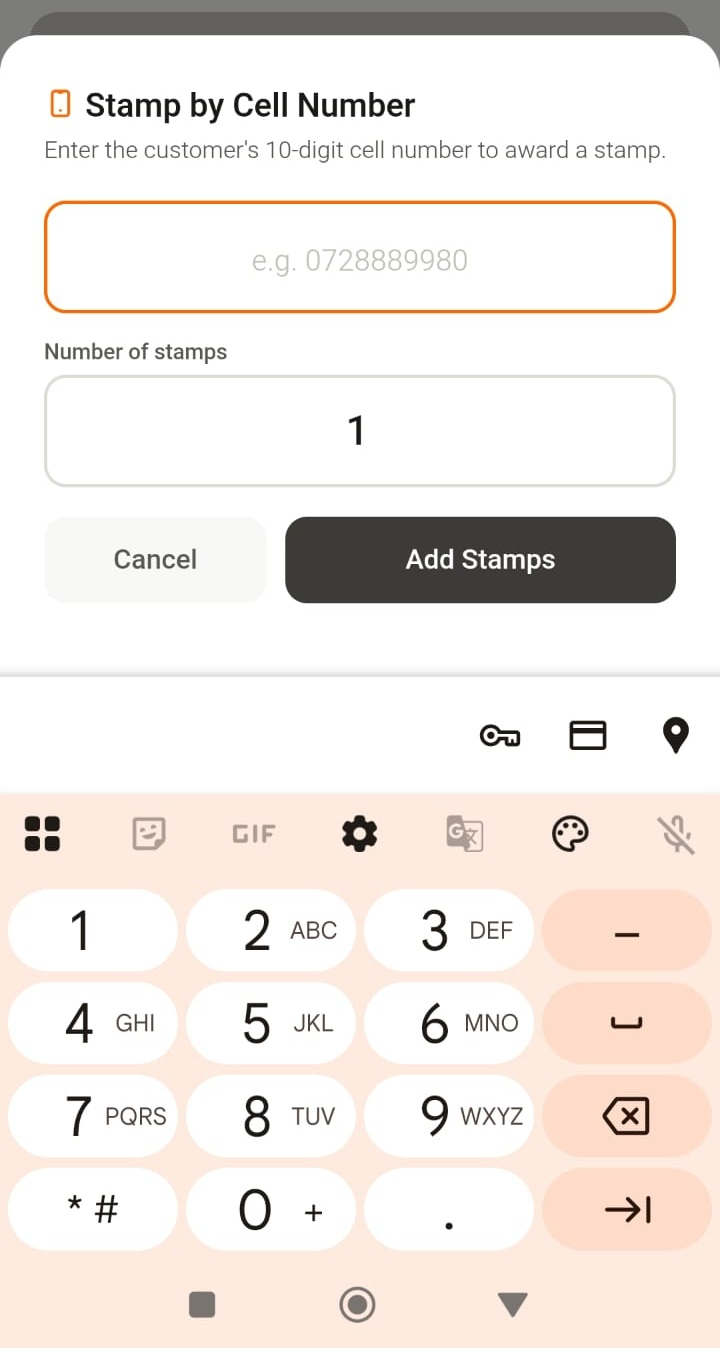
Your cashier can work either way, and both take a few seconds. The difference matters only because one of them uses the camera.
Which phones actually work
The short version: the very cheapest handsets are a false economy, and an older mid-range phone you already own beats a brand-new bottom-of-the-range one. The guidance below is based on hardware we've bought and used at real South African prices — where we're going on price bracket rather than a model we've tested ourselves, we say so.
| Device | Type a number | Scan a QR | Verdict |
|---|---|---|---|
| Entry-level under ~R500 e.g. Mobicel S5 |
Yes | No | Camera will not lock onto the code. Usable for number entry only. |
| Budget around R700–R800 a step up from entry level |
Yes | Usually | Where we'd start if you're buying new for the till. We haven't tested every model in this bracket — try the camera before you pay. |
| An older Samsung or similar something you already have in a drawer |
Yes | Usually | Often better than a new ultra-budget phone. Costs you nothing. |
| Any tablet | Yes | Yes | Bigger screen, good if it sits permanently at the counter. |
Best test costs nothing: before you pay, ask the shop to open the camera on the phone you're considering and point it at any QR code — on a poster, a product label, anything. If it reads it instantly, it will run your till.
The practical checklist
- A phone or tablet from roughly the last five years, or a new one around R750 or more.
- A working autofocus camera — only if you want to scan QR codes.
- Chrome or Safari, reasonably up to date. There is nothing to install from an app store.
- Wi-Fi or mobile data at the counter. Stamps are saved to your account as they happen.
- Nothing else. No scanner gun, no card machine, no printer, no contract.
If your phone can't scan
You are not stuck. Cell-number entry adds stamps just as reliably, and many merchants prefer it — the customer doesn't need to take out their phone at all, and it works for customers who haven't registered yet. You can switch to a scanning-capable phone later without changing anything about your account.